

Leben in Korea Team
Life in Korea ·
These 7 Apps You Need in Korea: Navigation, Taxi, Payments, Delivery
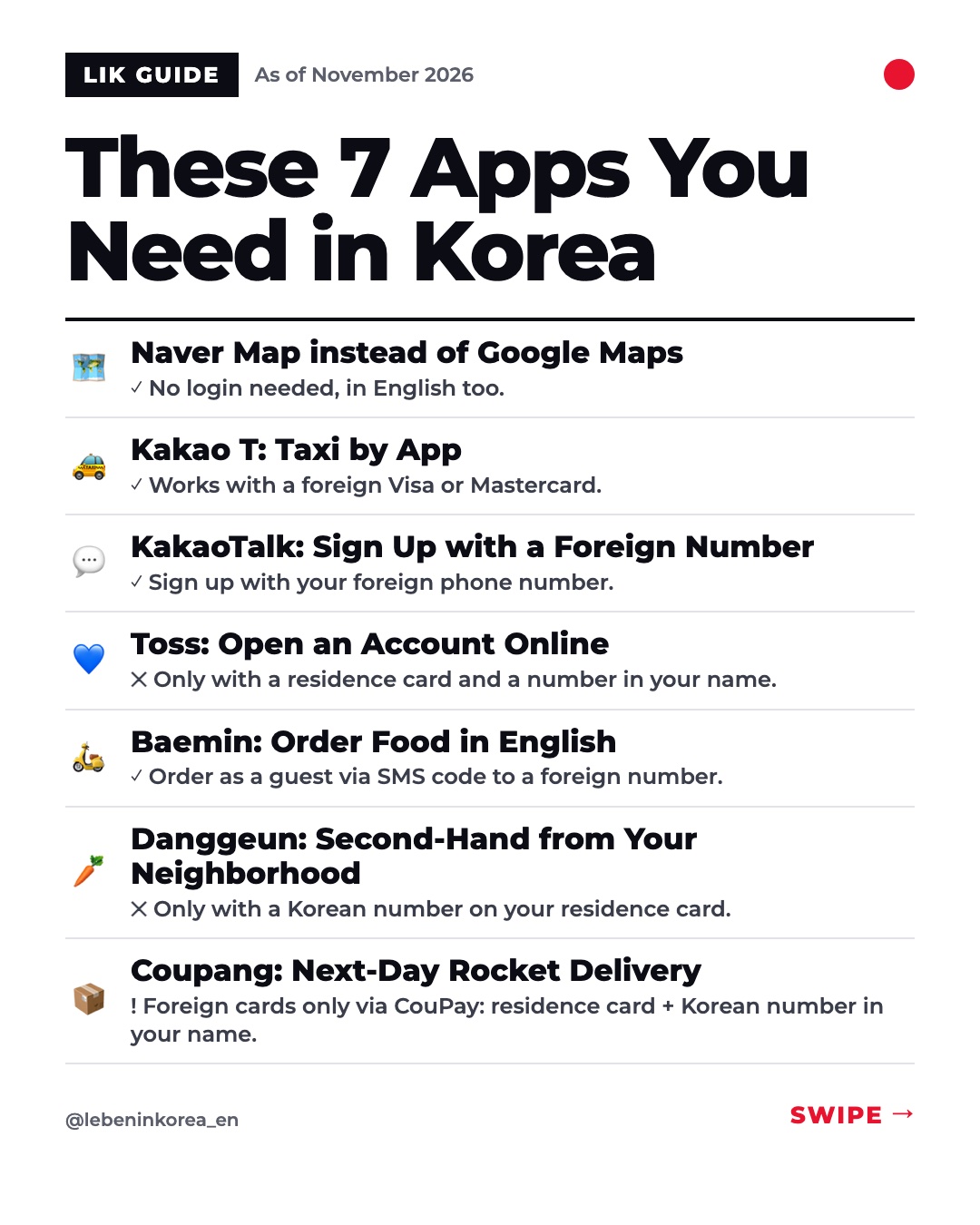
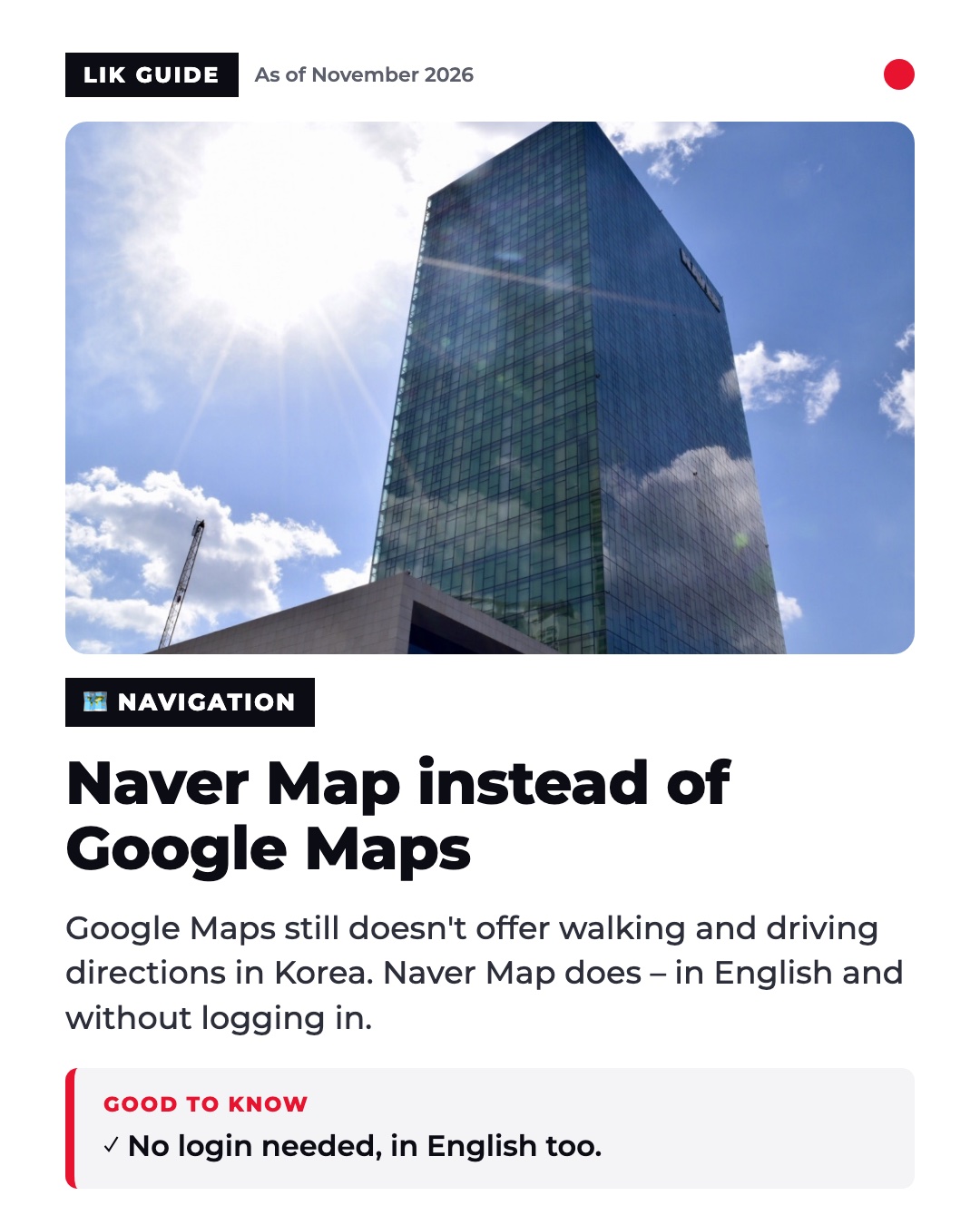
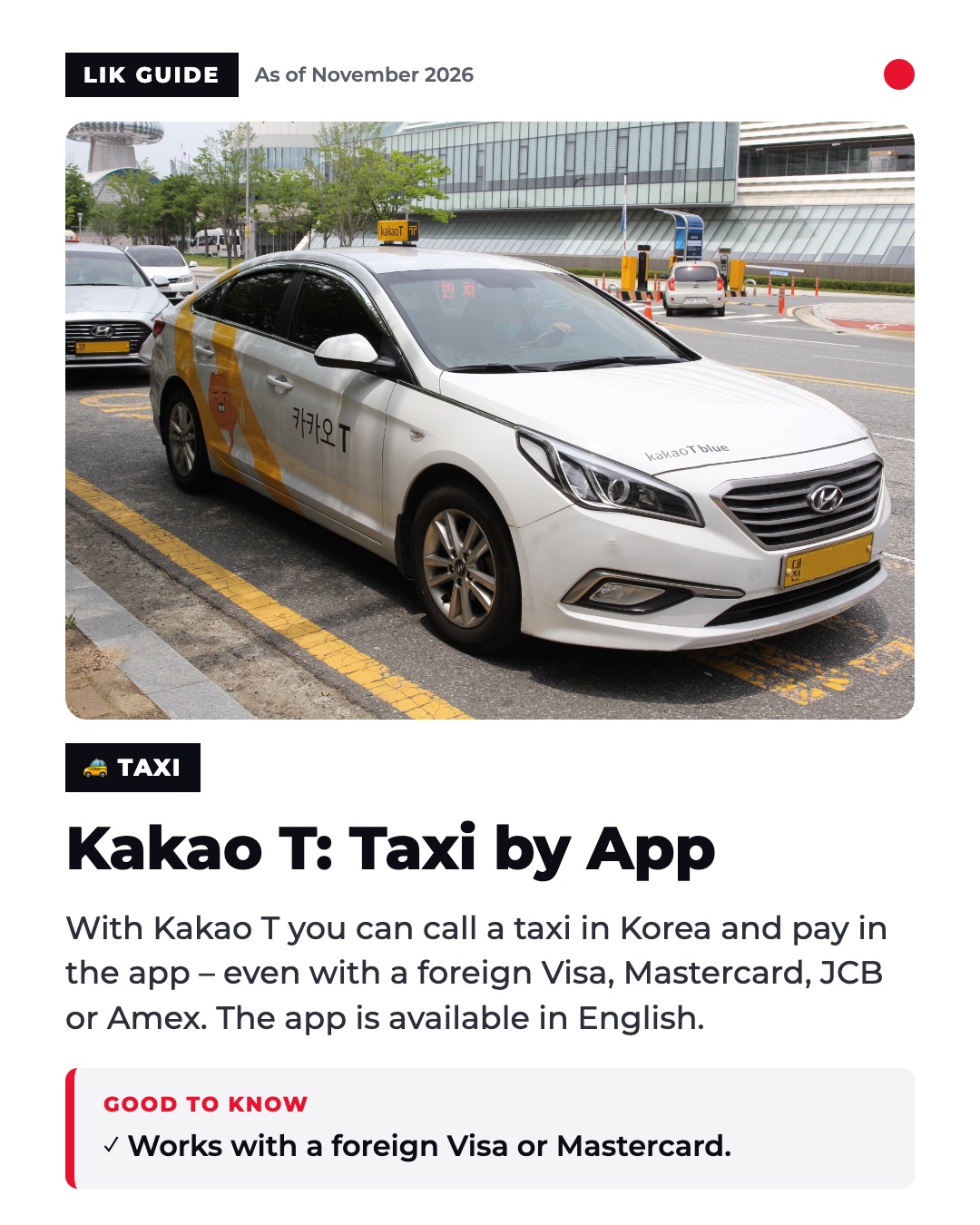
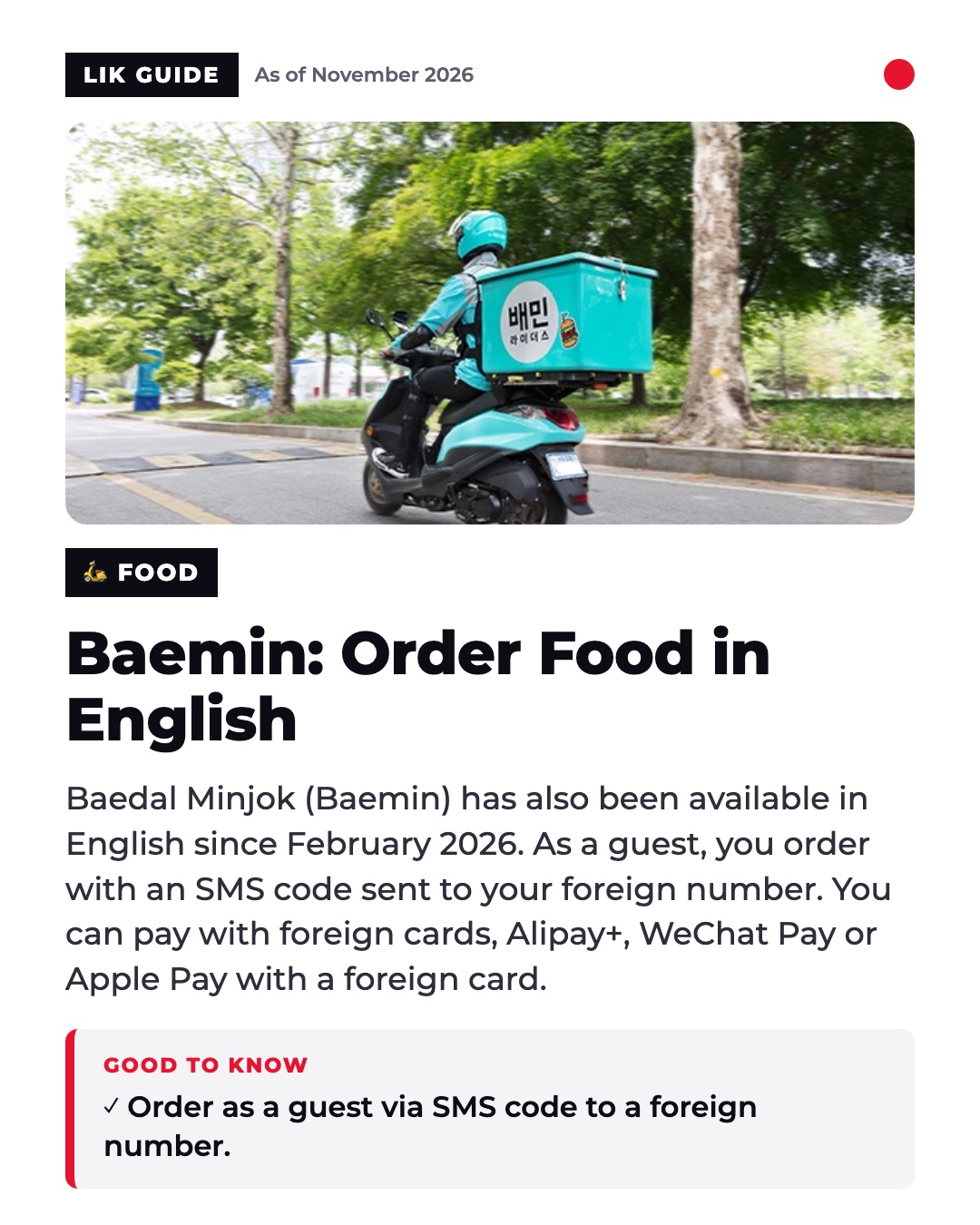
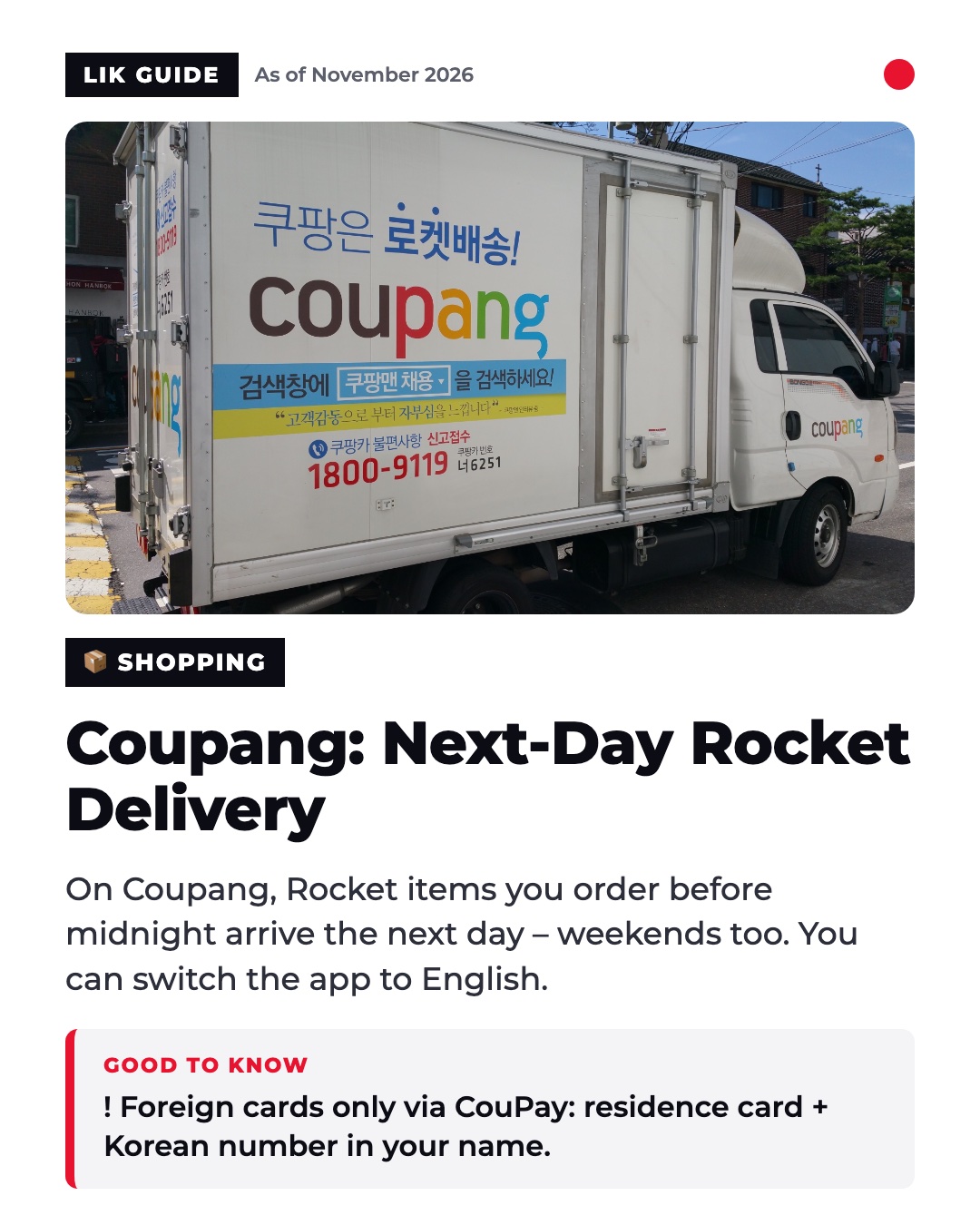
Here are the details on seven everyday apps for life in Korea, from Naver Map to Kakao T to Coupang. You'll learn what works in English, which cards are accepted, and when you need a Korean phone number or residence card. ━━━━━━━━━━ 🗺️ Naver Map instead of Google Maps Google Maps received conditional approval on Feb. 27, 2026 to export map data at a 1:5,000 scale (Yonhap). As of November 2026, though, Google Maps still doesn't offer walking or driving directions in Korea (Chosun, Nov. 10, 2026). Naver Map, by contrast, gives you directions even without logging in. We tested this on Nov. 11, 2026. The app is available in Korean, English, Chinese and Japanese, and voice navigation is available in English. Papago from Naver is a useful add-on. The translation app supports 14 languages, including German (App Store, as of Oct. 23, 2026). 👉 For you: You can use Naver Map in English and get directions without an account. ━━━━━━━━━━ 🚕 Kakao T: Taxi by App With Kakao T you call a taxi and pay directly in the app. According to the Kakao Mobility FAQ, foreign-issued Visa, Mastercard, JCB and Amex cards are accepted. The app has an English interface. Kakao Mobility also offers k.ride, a separate app for foreigners. It has been available since June 4, 2024. 👉 For you: You can use Kakao T with your foreign card. Alternatively, k.ride is a separate app made for foreigners. ━━━━━━━━━━ 💬 KakaoTalk: Sign Up with a Foreign Number According to the Kakao help center, you can register for KakaoTalk with a foreign phone number. You enter the country code and confirm the code you receive by SMS. There's also news around Kakao: KakaoBank opened accounts for foreigners resident in Korea on Oct. 12, 2026. Requirements are an age of 19 or older, a Korean-issued ID such as the residence card (ARC), and a phone number in your own name (KakaoBank notice 19945). 👉 For you: A foreign phone number is enough for KakaoTalk. For KakaoBank, however, you need a residence card and a phone number in your own name. ━━━━━━━━━━ 💙 Toss: Open an Account Online Toss is available with an English interface. Resident foreigners in Korea can open a Toss Bank account online with a residence card (ARC) or a permanent or domestic residence card. According to Toss, this has been possible since May 2, 2022. According to the Toss FAQ, you normally need a phone number in your own name. 👉 For you: Have your residence card and a phone number in your own name ready before you start opening the account. ━━━━━━━━━━ 🛵 Baemin: Order Food in English Baedal Minjok (Baemin) has also been available in English, Chinese and Japanese since Feb. 4, 2026. As a guest, you can order by verifying your foreign number with an SMS code. You can only become a member with a Korean phone number and an alien registration number. You can pay with foreign cards, Alipay+ and WeChat Pay. Apple Pay with a foreign card has worked since June 2, 2026 (Woowahan Newsroom). 👉 For you: You don't need a member account to try it. Order as a guest with your foreign number. ━━━━━━━━━━ 🥕 Danggeun: Second-Hand from Your Neighborhood Danggeun has more than 20 million monthly users. For 2026, Mobileindex, WiseApp and the company give figures between 21 and 23 million. Signing up requires identity verification with a Korean phone number. According to the Danggeun FAQ, the line must be registered under your residence card number. 👉 For you: Without a Korean phone number registered under your residence card, you can't get through Danggeun's sign-up. ━━━━━━━━━━ 📦 Coupang: Next-Day Rocket Delivery Rocket items you order before midnight are delivered the next day, weekends included. Dawn delivery or same-day delivery are extras for WOW members (Coupang Newsroom). You can switch the app to English (Coupang FAQ, July 15, 2026). Foreign Visa, Mastercard and JCB cards in your own name only work through CouPay. For that, you need a valid residence card and a phone number in your own name with a Korean carrier. 👉 For you: Switch the app to English. To pay with a foreign card you need CouPay, which means a residence card and a Korean phone number in your own name. ━━━━━━━━━━ 🔗 Sources Yonhap – Google Maps Kartenexport (27.02.2026) https://www.yna.co.kr/view/AKR20260227098400003 Chosun – Google Maps Navigation Korea (10.11.2026) https://www.chosun.com/economy/tech_it/2026/11/10/GOWIAJ6WYRHZJGAN37OCBQBRSY/ Kakao Hilfe – Anmeldung mit ausländischer Nummer https://cs.kakao.com/helps_html/1073182354?locale=en Kakao Mobility FAQ – ausländische Karten https://service.kakaomobility.com/cs/faqs/content?category=17 KakaoBank – Konto für Ausländer (12.10.2026) https://www.kakaobank.com/Corp/News/Notices/view/19945 Coupang Newsroom FAQ (15.07.2026) https://news.coupang.com/archives/64335/ Woowahan Newsroom – Baemin auf Englisch (04.02.2026) https://www.woowahan.com/report/detail/1123 Woowahan Newsroom – Ausländer bestellen (05.08.2026) https://www.woowahan.com/report/detail/1259 Danggeun FAQ – Identifikation https://www.daangn.com/wv/faqs/793 Toss Support – Ausländer https://support.toss.im/faq/207 ━━━━━━━━━━ 💬 Which of these apps do you use most in Korea, and which app is missing from the list? 📲 On Instagram: https://www.instagram.com/lebeninkorea_en/ 📸 Photos: Marek Piwnicki, Marissa Lewis (Unsplash); User:Imtotallykorean (CC BY-SA 4.0, Wikimedia Commons), Maskkwon (CC BY-SA 4.0, Wikimedia Commons), Rickinasia (CC BY-SA 4.0, Wikimedia Commons), Peachyeung316 (CC BY-SA 4.0, Wikimedia Commons), ㈜비바리퍼블리카 (Public domain, Wikimedia Commons), 마라아탕 (CC0, Wikimedia Commons), 당근123 (CC BY-SA 4.0, Wikimedia Commons), Bonnielou2013 (CC BY-SA 4.0, Wikimedia Commons)
Comments · 0
Sign in to comment.